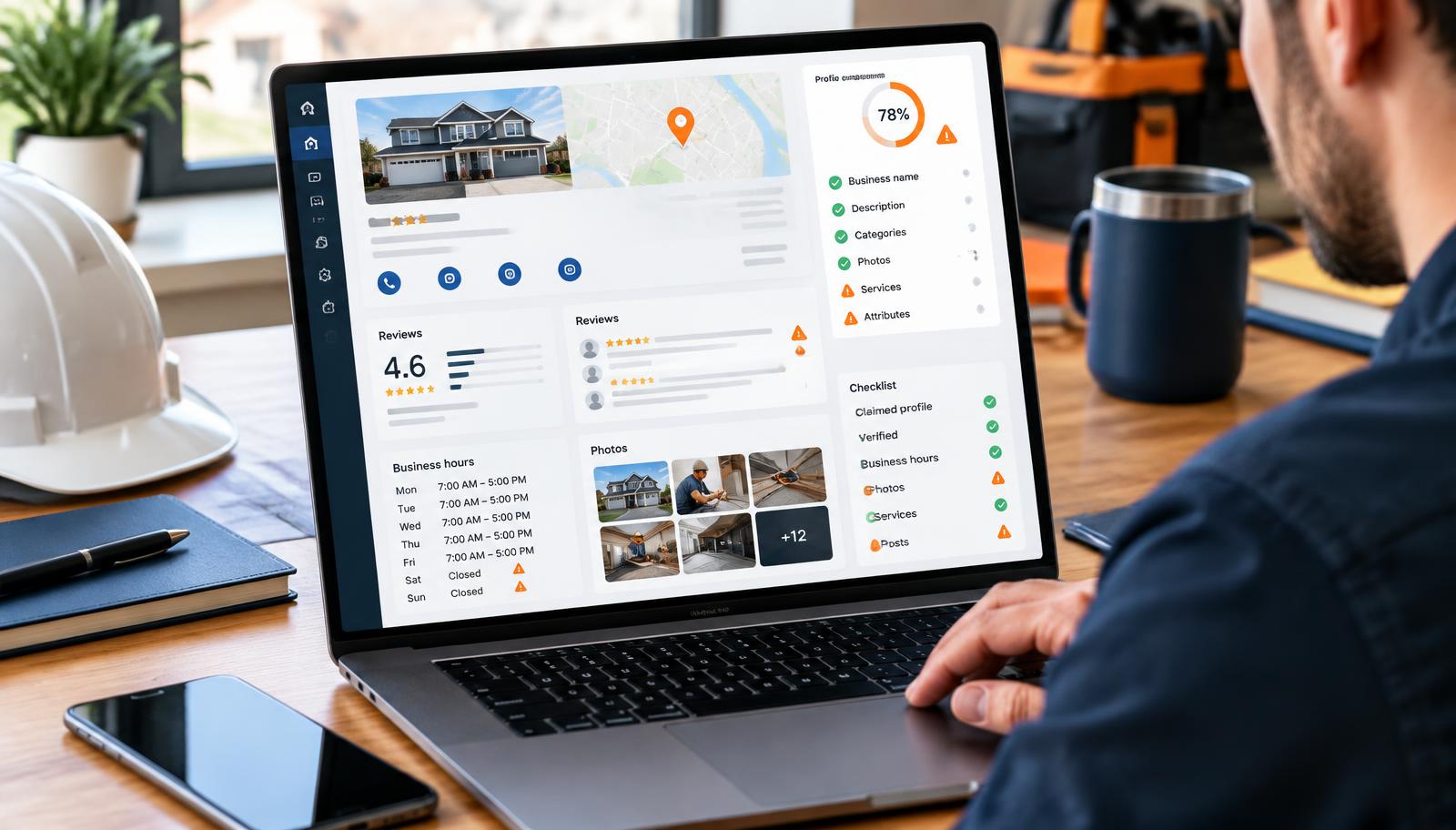
Your truck is ready. Your techs are good. The phone is quiet.
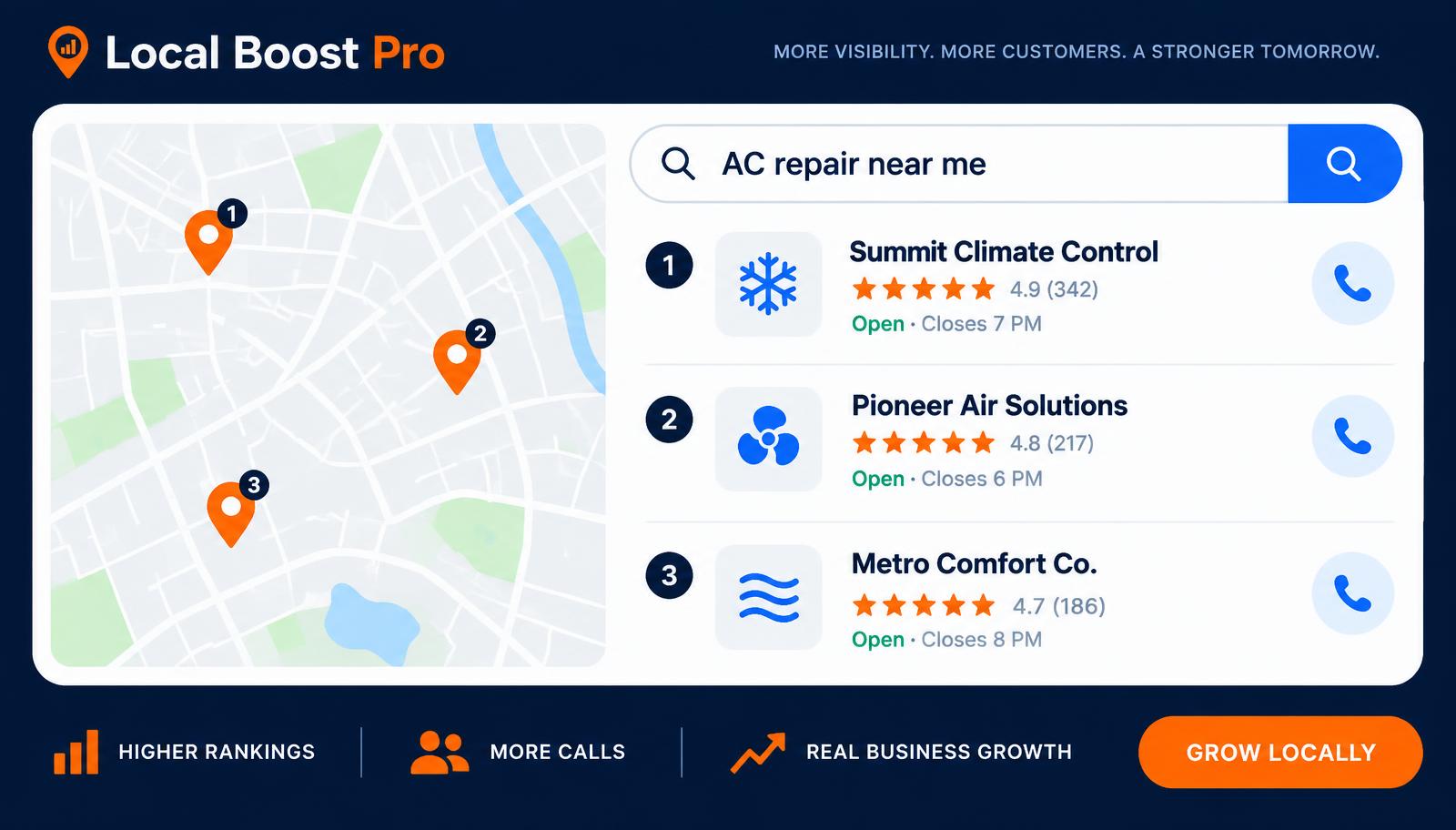
When someone searches "AC repair near me," "emergency plumber," or "electrician [your city]," Google Maps shows a short list — the 3-pack — and most calls go to whoever looks solid in those three slots. If your Google Business Profile has silent leaks, you can sit on page one and still lose the dial.
A Google Business Profile audit finds those leaks before another competitor takes the job. This is a practical GBP optimization checklist: twelve common Google Maps listing mistakes, what each costs you, and what to fix first.
SEO vs AEO vs GEO for Local Businesses (What Actually Matters in 2026) — Maps is the fastest path to booked jobs; SEO, AEO, and GEO build on top of a clean listing.
Not sure which leaks you have? Get My Free Visibility Audit.
What a "silent leak" means (and what the Maps 3-pack is)
Answer first: A silent leak is anything on your Google Business Profile that looks "fine" from your desk but quietly stops homeowners from calling — wrong category, thin services, messy NAP, stale photos, ignored reviews, or a pin that sits on the wrong side of town.
The Maps 3-pack is the block of three local businesses Google shows with the map for "near me" and city searches. Most emergency and same-day jobs start there. Rank alone is not enough. If your profile feels incomplete, confusing, or untrustworthy, the homeowner taps the next listing.
That is why why my Google Business Profile isn't getting calls is rarely one cause — several small leaks stack up. Below are the twelve we grade most often for HVAC, plumbing, and electrical shops — grouped so you can scan and share with your office manager.
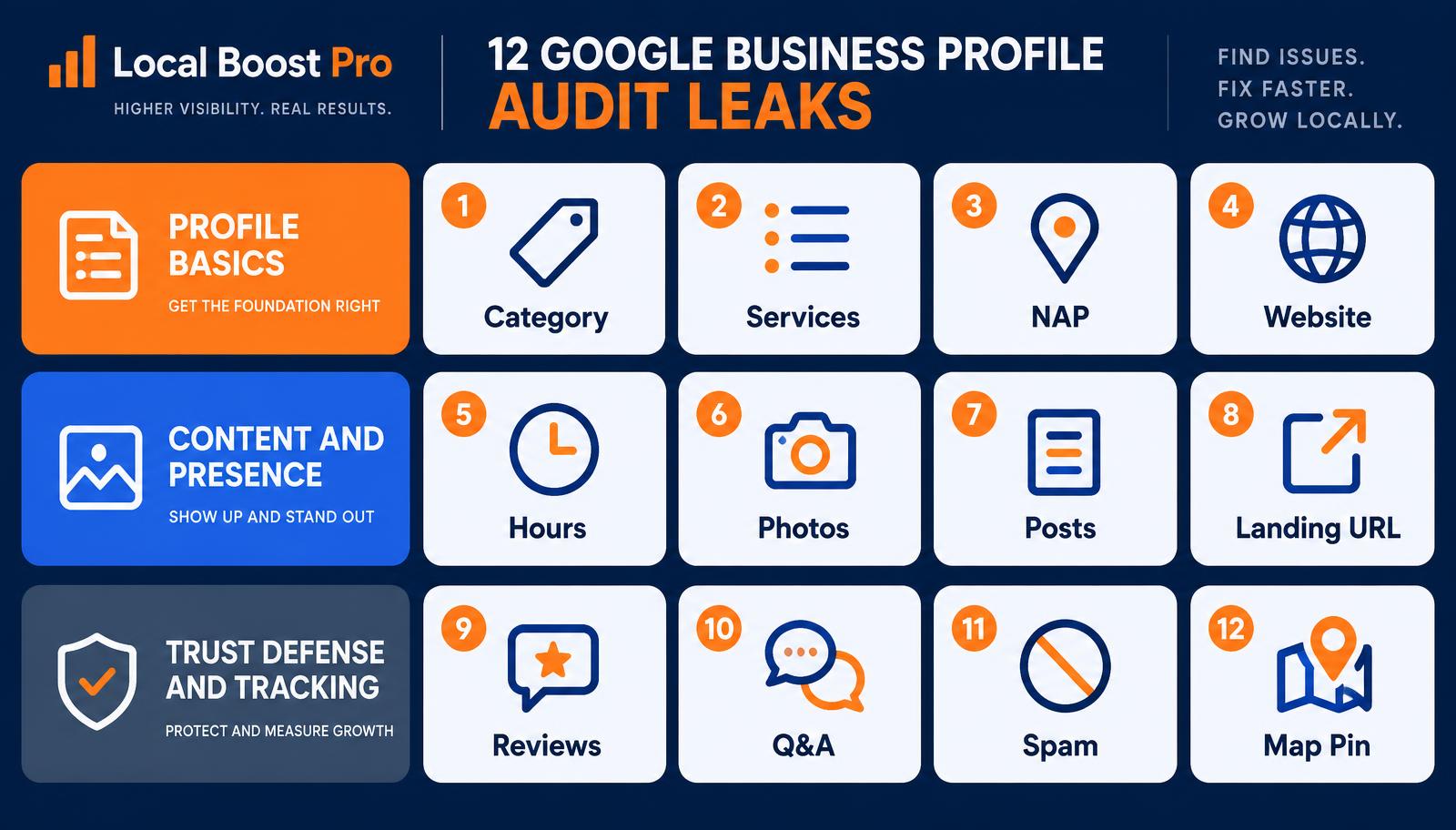
Leaks 1–4 — Profile basics
Get these wrong and everything else works harder for less.
1. Primary category (and supporting categories)
What's wrong: Your primary category is generic ("Home Services") or off-niche ("Contractor" when you are "HVAC Contractor"). Supporting categories are missing, duplicated, or stuffed with services you do not offer.
Why it costs calls: Categories tell Google what you are. Weak GBP categories and services alignment means wrong searches — or missing the right ones. Homeowners hunting "furnace repair" skip listings that look like general handymen.
Fix: Set one accurate primary category that matches your money jobs. Add only supporting categories you actually fulfill. Review them quarterly when you add or drop services.
2. Services list
What's wrong: Services are blank, one-liners, or a wall of keywords with no clear offer ("AC," "HVAC," "cooling").
Why it costs calls: Thin services look incomplete next to competitors who list emergency repair, maintenance, installs, and brands. Google also matches intent off services — empty or vague lists are a classic underperformer.
Fix: List real services the way customers ask for them — "AC repair," "water heater install," "panel upgrade." Keep descriptions short and honest. Update when seasons change (heat pump tune-ups in spring, boiler checks in fall).
3. NAP consistency (name, address, phone)
What's wrong: Business name has extra keywords ("Best HVAC Dallas ★★★★★"). Address format differs from your website and directories. Old phone numbers still float online. Suite numbers missing or wrong.
Why it costs calls: Inconsistent NAP erodes trust with Maps and with people comparing your site to your listing. Wrong phone = missed calls. Keyword-stuffed names can trigger suspension risk and look spammy to homeowners.
Fix: Use your legal/DBA name cleanly. Match address and phone to the website footer and major directories. Kill or redirect every old number you still own.
4. Website mismatch
What's wrong: The website URL on your GBP goes to a parked domain, an old builder site, a Facebook page, or a homepage that does not match the brand on the listing.
Why it costs calls: Click-through dies when the landing experience feels like a different company. Maps and users both treat mismatch as a red flag.
Fix: Point the primary website field to your live, branded site. Keep branding, phone, and service area consistent between GBP and the site. If you are rebuilding the site, update the URL the day the new one goes live.
Leaks 5–8 — Content & presence
Basics get you eligible. Content decides whether they trust you enough to tap Call.
5. Hours (including special hours)
What's wrong: Hours are blank, "open 24 hours" when you are not, or missing holiday/emergency notes. Special hours never get updated for weather events or PTO weeks.
Why it costs calls: Wrong hours = angry voicemails, no-shows in trust, and Maps showing you closed when you could take the job. Emergency searchers filter hard on open-now.
Fix: Set accurate regular hours. Use special hours for holidays and storm weeks. If you offer after-hours emergency dispatch, say so in the description and posts — do not fake 24/7 unless you answer 24/7.
6. Photos
What's wrong: Default map pin as the only image. Stock photos only. No team, trucks, job-site, or before/after work. Cover photo outdated or blurry.
Why it costs calls: In a 3-pack tap-through, photos are the handshake. Empty galleries look inactive. Competitors with real trucks and installs win the "this company exists" test in seconds.
Fix: Upload clear photos of trucks, branded uniforms, recent jobs (with permission), and the shop if you have one. Add a few every month. Skip misleading stock.
7. Posts (Google Posts / updates)
What's wrong: Zero posts, or the last update was a year ago. No seasonal offers, hiring notes, or storm-response messages.
Why it costs calls: A silent profile feels abandoned. Posts are not magic ranking juice alone, but they prove you are active and give you a place for CTAs and seasonal services without a web redesign.
Fix: Post at least every couple of weeks in busy season: tune-up specials, "we're booking same-day," storm readiness, new service lines. Keep copy short; always include the phone or a clear next step.
8. Wrong landing URL (buttons / appointment / menu links)
What's wrong: The "Website," appointment, or custom-button URL dumps people on a generic homepage, a 404, a form that does not load on mobile, or a page for the wrong city/service.
Why it costs calls: You earned the click with reputation and ranking — then lost them on a bad landing. Messy URLs also break tracking, so you cannot tell which Maps clicks became jobs.
Fix: Point action buttons to the page that matches the intent (service page or contact with click-to-call). Test every link on your phone. Fix 404s the day you find them.
Leaks 9–12 — Trust, defense, tracking
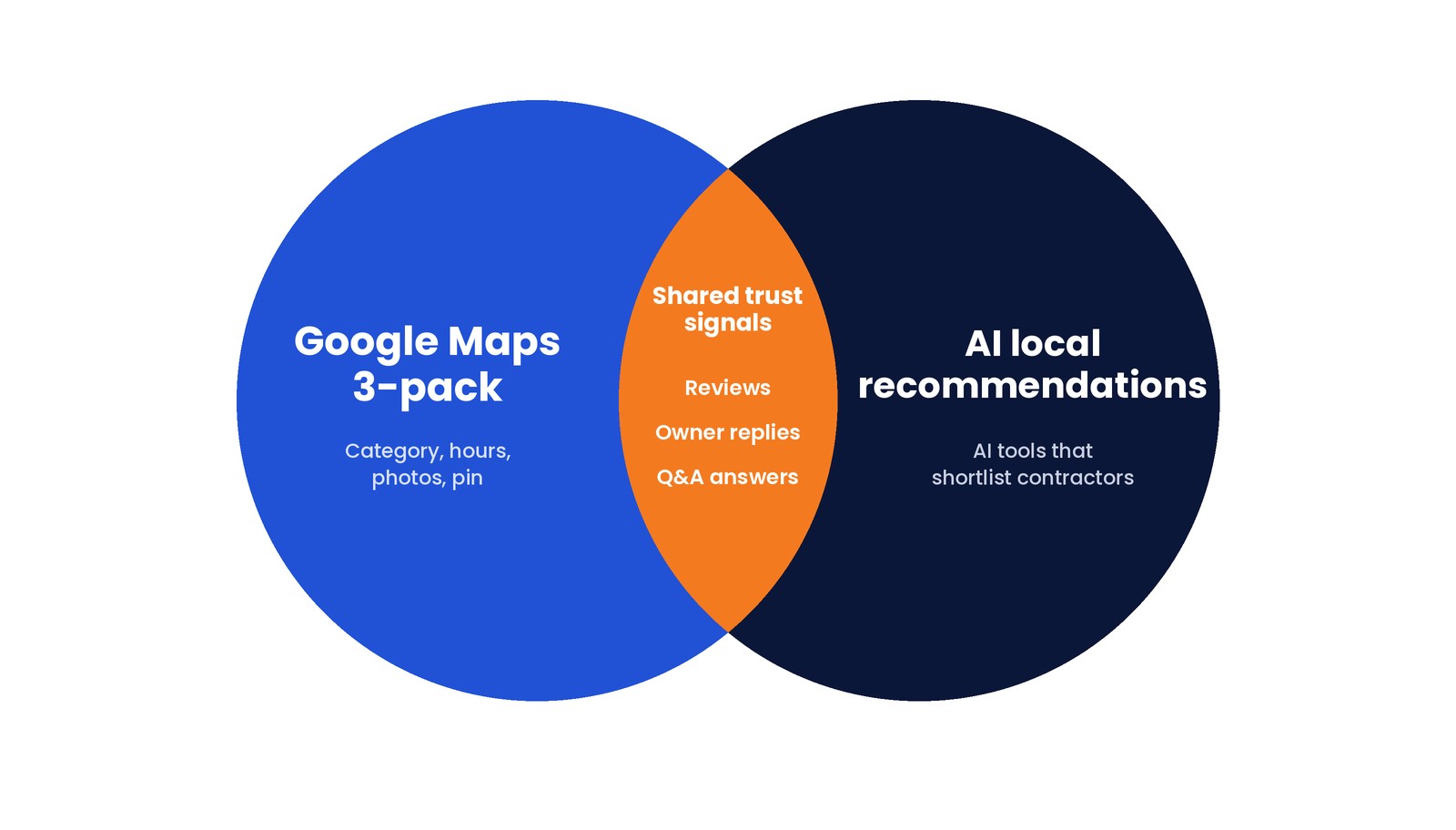
This block is where reputation meets reviews and AI local recommendations. Maps and AI tools that shortlist contractors both use these signals — owner replies and Q&A included, not just star count.
9. Review reply lag
What's wrong: Reviews sit unanswered for weeks. Negative reviews get ignored or defensive replies. Positive reviews get a copy-paste "Thanks!" months later.
Why it costs calls: Homeowners read recent replies to see if a real owner is paying attention. Slow replies signal you might ghost them after the invoice. For reviews and AI local recommendations, substantive owner responses show an active, accountable business.
Fix: Reply to every review within a few days. Thank specifics on positives. Own the issue on negatives, take it offline with a phone number, and skip public fights. Train one person on the team to own the queue.
10. Q&A ignored or hijacked
What's wrong: Customer questions sit unanswered. Competitors or random users post misleading answers. You never seed common questions yourself.
Why it costs calls: Q&A is public. Wrong answers about service area, brands, or "do you do tankless?" cost jobs before the call. Maps and AI-facing summaries lean on Q&A as part of your reputation footprint.
Fix: Monitor Q&A weekly. Answer as the business. Add FAQs you already hear on the phone ("Do you offer emergency service?" "Are estimates free?"). Flag abusive or spam answers.
11. Spam competitors (fake or violating listings)
What's wrong: Competitor listings with keyword-stuffed names, fake storefronts, stolen photos, or service-area abuse crowding the pack. Your own listing may also have been edited by users with bad data.
Why it costs calls: Spam dilutes the pack and steals taps. If Google trusts a junk listing near you, you lose impressions you earned with real work.
Fix: Document violations and suggest edits / report through Google's tools. Keep your own listing clean so you are not fighting from a glass house. Recheck monthly in competitive metros.
12. Pin / service-area business (SAB) setup
What's wrong: Map pin dropped at the wrong address, an old shop, or a virtual office you do not use. Service-area business settings hide the address when you should show it — or show an address when you operate as SAB-only and create trust confusion. Radius does not match where you actually roll trucks.
Why it costs calls: Wrong pin = wrong "near me" distance and confused customers. Misconfigured SAB vs storefront is a common suspension risk. Homeowners who drive to a ghost address will not call again — and may say so in a review.
Fix: Verify the pin against a real operating address rules allow. Align service areas with cities you truly serve. If you are SAB, follow Google's current guidelines; do not fake a storefront.
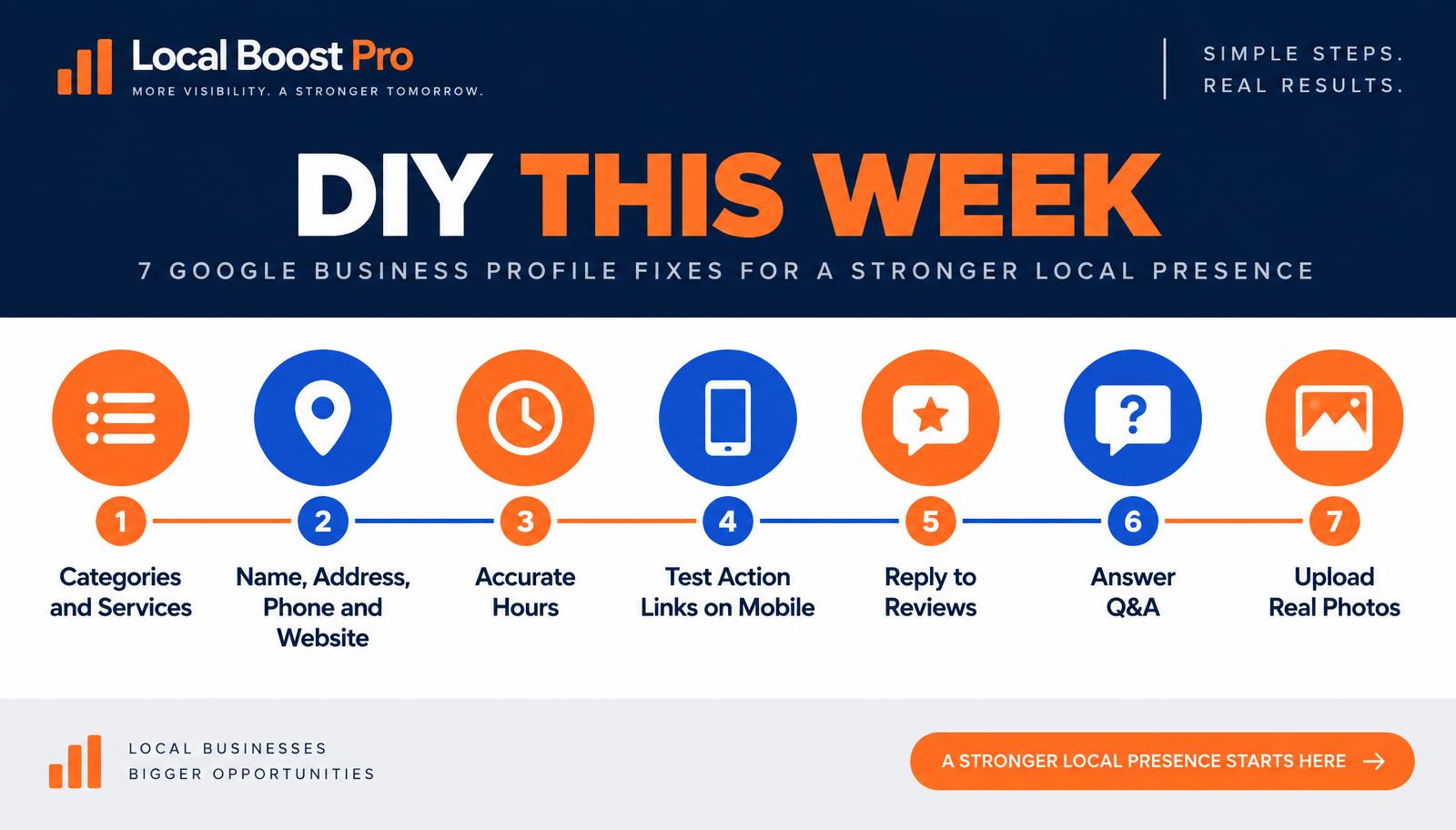
Quick fix order (do these first)
Do not boil the ocean in one night. Fix highest-call leaks first.
DIY this week (owner or office manager)
- Primary category + services — align to money jobs.
- NAP + website field — one name, one phone, one live URL.
- Hours + special hours — correct open-now status.
- Action / landing URLs — tap every button on mobile.
- Reply to every open review — especially anything under 4 stars.
- Answer open Q&A — and add 3–5 real FAQs.
- Upload 5–10 real photos — trucks, team, recent jobs.
That is a solid one-week GBP optimization checklist pass for most shops.
Hire out (when it pays to get help)
- Full Google Business Profile audit with competitive pack review
- Spam documentation and ongoing monitoring
- Pin / SAB / suspension recovery
- Systematic photo + post cadence tied to seasons
- Tracking so you know which Maps clicks became calls
- Broader local SEO when the listing is clean but the site and citations still leak — see Google Business Profile optimization and, if you need the wider picture, local SEO
Want the graded version instead of guessing? We run a Free Local Visibility Report from the homepage — same leaks, scored for your market.
Common Questions About Google Business Profiles
A GBP audit checks your Maps listing for gaps that block calls and directions — categories, services, NAP, photos, reviews, and tracking.